Codebook for Windows can run on Linux using Wine. Wine is an open source compatibility layer
capable of running
Windows applications on several POSIX-compliant operating systems, such as Linux, macOS, & BSD. Instead of
simulating internal Windows logic like a virtual machine or emulator, Wine translates Windows API calls into
POSIX calls on-the-fly, eliminating the performance and memory penalties of other methods and allowing you to
cleanly integrate Windows applications into your desktop. Additional Info about
Wine.
Installation
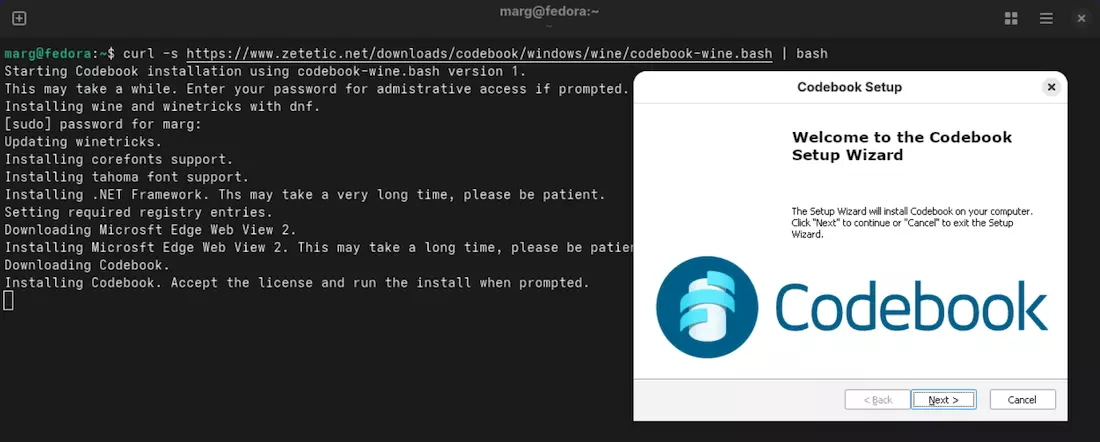
Open Terminal and copy the command below to download and run the script. It will install Wine, Codebook and the
required prerequisites.
It may take a really long time to run because it has to download and install software in the background. At
the
end of the process
you should see the window for the Codebook installer, which you can run through to finish the installation.
For most distributions a Codebook program should automatically be added by Wine to the application launcher.
Note: Installation of .NET Framework and Microsoft Edge Web View 2 may take
along time.
Please
let the
processes finish.
Known Limitations
The following features are not currently supported:
Secret Agent
The Secret Agent feature cannot directly insert text into other applications on Linux. However, when
Codebook is running and in focus, you can activate the Secret Agent hotkey to search for entries and
select field values. The selected data can be copied to the system clipboard in Secret Agent, enabling use
in other applications via standard paste operations. Using this workflow in combination with a longer
auto-lock timeout in Codebook can help improve usability.
Biometric Authentication - Windows Hello Face, Fingerprint, and PIN
authentication are not
available on Linux
Runs on x86-64 (AMD64/Intel 64) devices - ARM64 Linux is not supported
You can view your Backup Word List with the Backup Sync Key option on the Sync Menu (macOS and Windows) or
Sync Screen (iOS and Android). You can also use a sync key file.
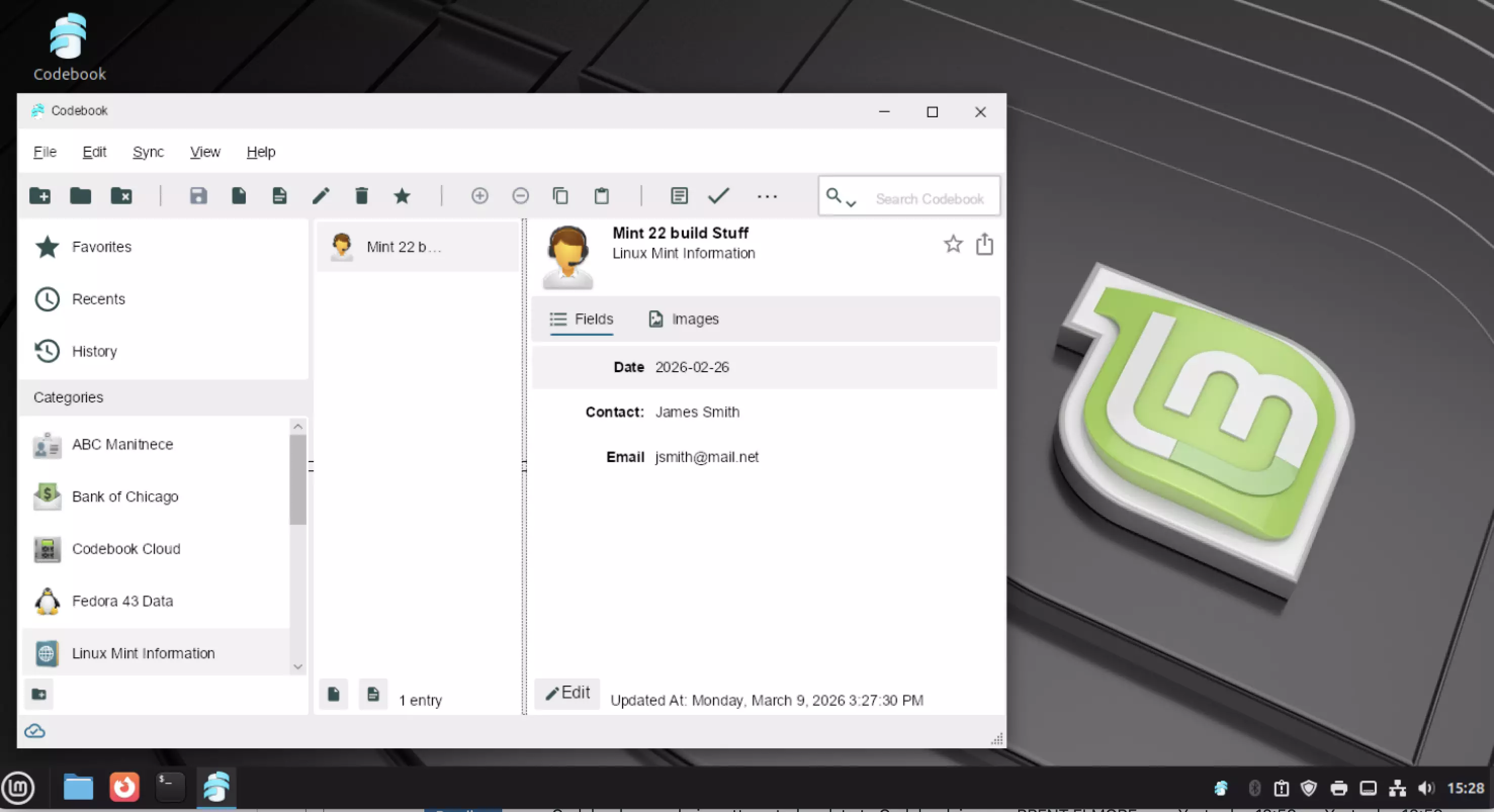
Codebook for Windows running on Linux
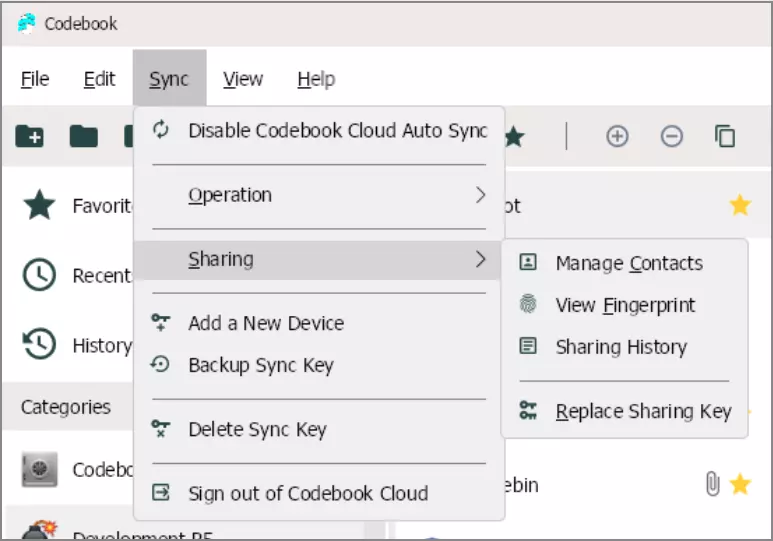
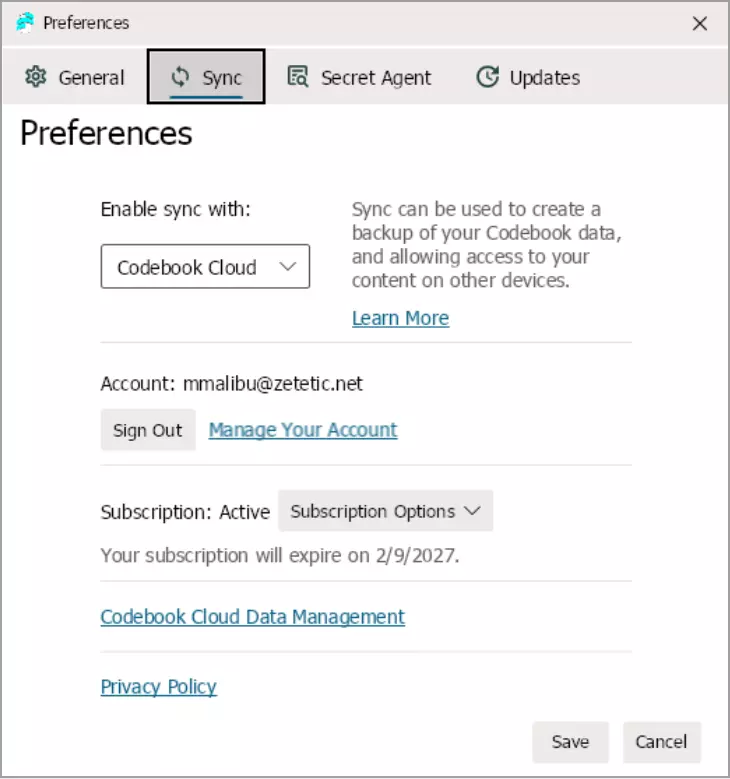
Codebook Sharing Options available with Codebook Cloud
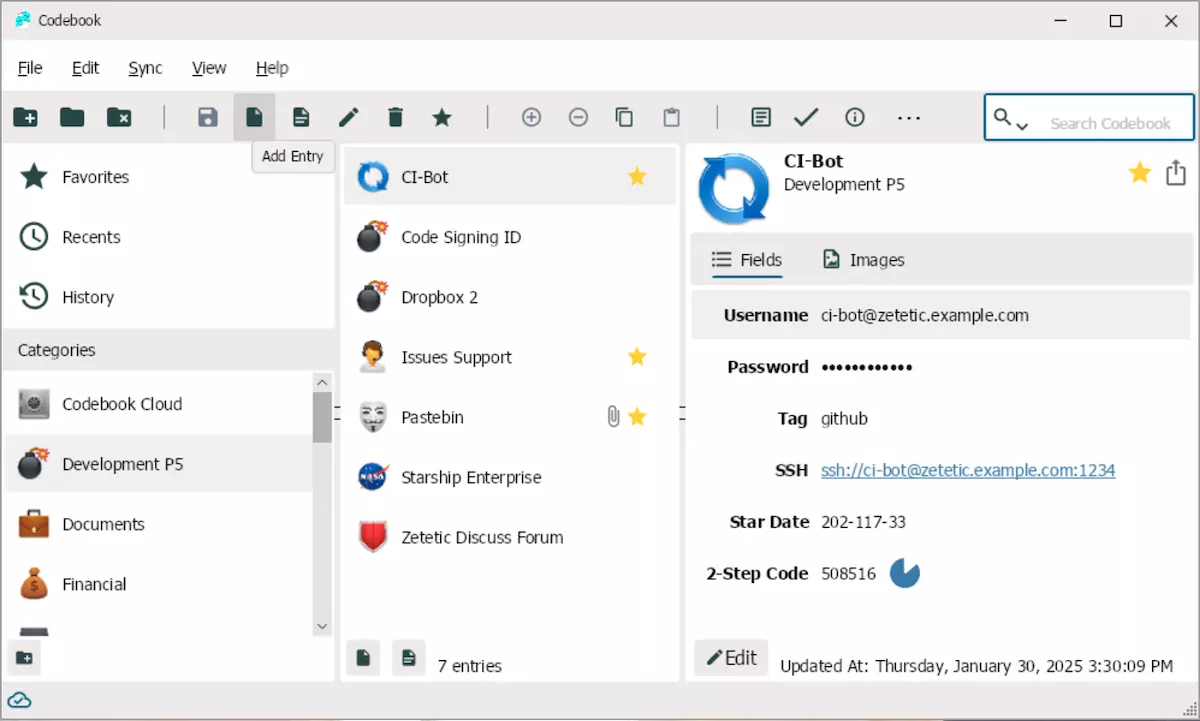
Sync Options
Frequently Asked Questions
How can I support future work on Codebook on Linux support?
Enable anonymous usage statistics: This will allow the developers to evaluate
interest in
using Codebook for Windows on Linux.
Subscribe to Codebook Cloud Sync: While it is not necessary to use Codebook
Cloud sync, a
subscription would help fund enhancements to Codebook. Codebook Cloud is an automatic sync service that
allows secure sharing of your data with other Codebook Cloud users. Additional
Info about Codebook Cloud.
How will I receive Codebook updates?
The built in software updater will notify you when an update is available and give you the option to install it.
Which version of Linux is required?
Codebook for Windows will run on versions of Linux that support Wine.
What Linux distribution is recommended?
Mint is the recommended Linux distribution because it most closely resembles Windows.
The text in Codebook is very small. How can I make it larger?
Open Settings. Open Wine Configuration. Under the Graphics tab, update the dpi resolution to 144 or the size the
works for you.
What if I am having troubling with installation?
If you have questions regarding installation of Codebook for Windows Email Us.
As always, if you have any additional questions, issues, or feedback about running Codebook on Linux, feel free
to reach out to us at support@zetetic.net