Manage Users
From the Manage Users page you can see your Codebook Cloud sync information including the storage used, sync time, connected devices along with some data management options. There are 4 sections of information:
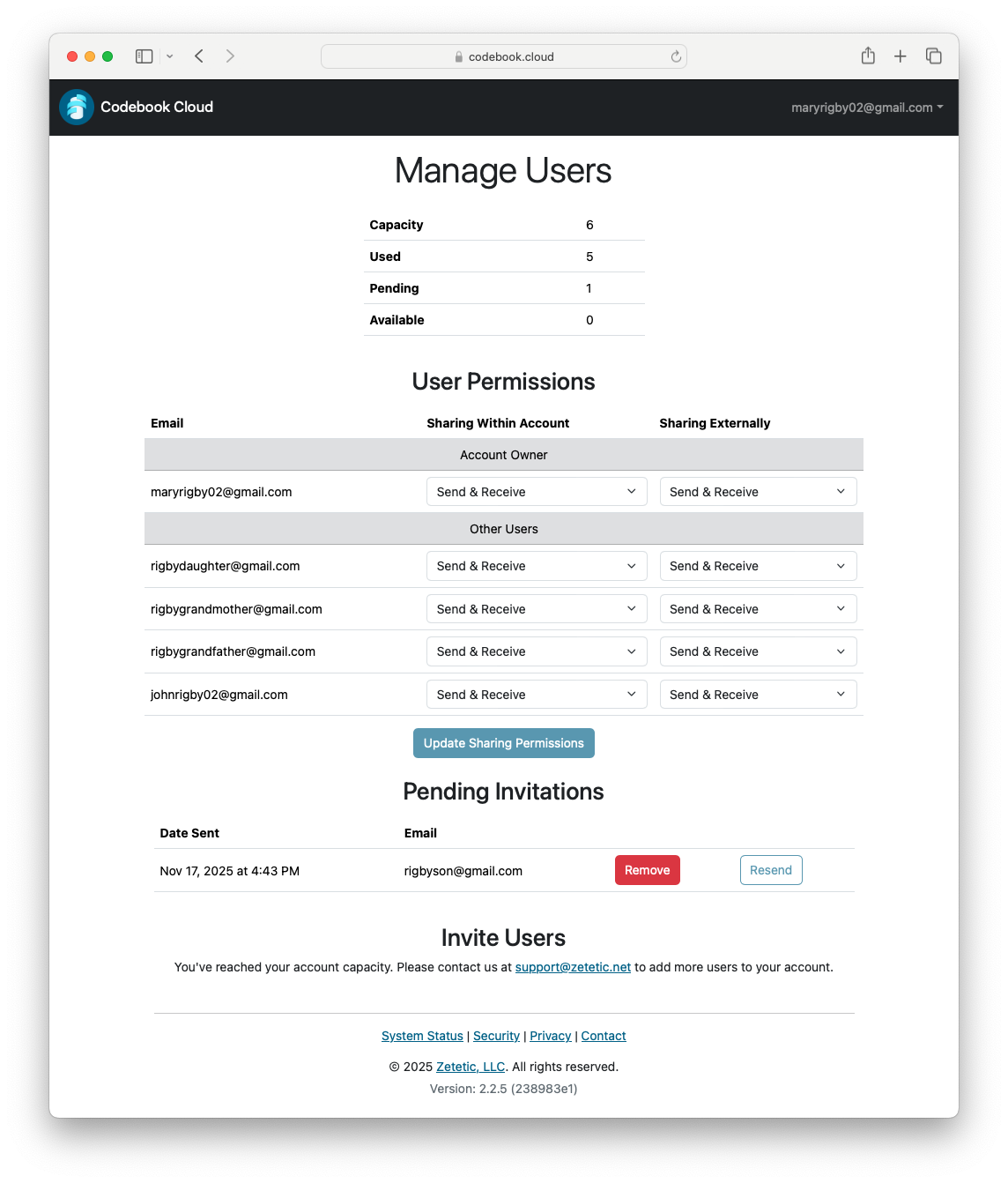
Manage Users
This section contains the following information:
- Capacity: total number of users allowed on the account
- Used: number of user on the account
- Pending: number of pending user invitations
- Available: number of users that can still be added to the account
User Permissions
This section shows the permissions of all users on the account.
For a detailed explanation of user permissions, see the Permissions Help Page
Pending Invitations
This section will list any pending invitations. It includes the date the invitation was sent, the email address and gives the options to Remove and Resend the invition. An invitation can only be resent after 24 hours from when it was initially sent.
Invite Users
This section shows the permissions of all users on the account.
For a detailed explanation about inviting users to your account, see the Invite Users Help Page