Codebook on Linux
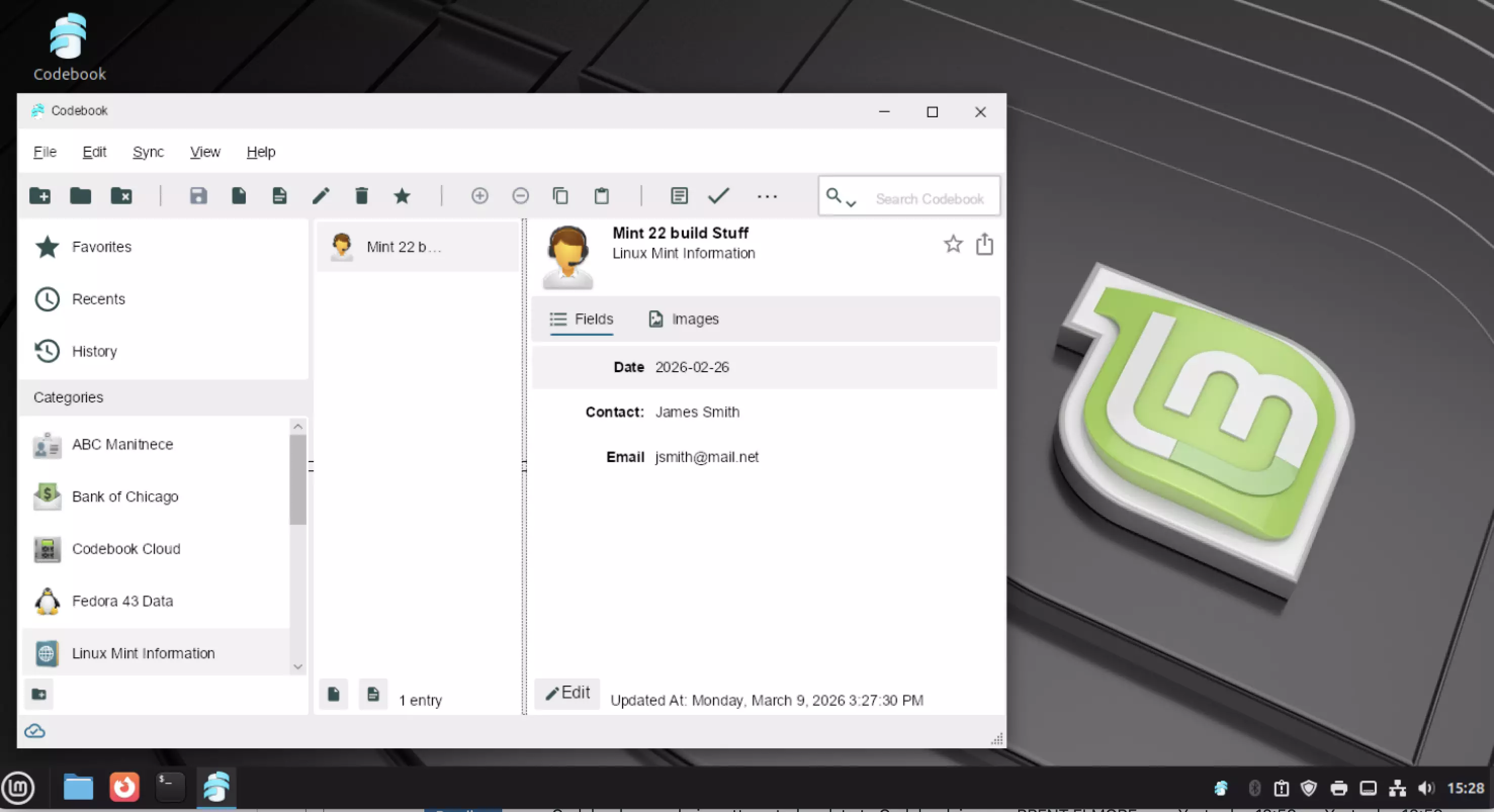
A number of customers have inquired about accessing their Codebook data on the Linux platform over the years. Recently, there’s been an uptick in interest in Linux, potentially driven by Microsoft ending support for Windows 10 late last year. Windows 11 has certain hardware requirements which may prevent some users from updating.
With the release of Codebook for Windows 5.3.10 we’re happy to announce that Codebook for Windows runs seamlessly on Linux through Wine. Wine is an open-source compatibility layer allowing Windows applications to operate on Linux. This release includes compatibility adjustments for Codebook when running on Linux. There are a few limitations currently, which we’ve identified here.
If Linux is a new operating system for you, you may be concerned about a new environment. Over the years, new distributions (variations of Linux) have been released, many which provide a polished user experience, especially those migrating from other operating systems. If you’re unsure about which distribution to try, we’ve found Linux Mint to provide a great end-user experience when running Codebook. If you prefer a different distribution, Codebook will also run on Debian/Ubuntu, Red Hat, and Fedora distributions.
How do you get started though? We’ve put together a script which can be run within your Linux terminal to install Wine, the necessary prerequisites, and Codebook itself. We’re happy to have Codebook working with Tux 🐧. Give it a try, the script below will do the work, we’d love to hear your feedback!
curl -s https://www.zetetic.net/downloads/codebook/windows/codebook-wine.bash | bash